NIS Elements Installation
Back up computer and export NIS settings prior to reinstalling NIS or updating OS on the computer.
There are a few features that are important to have installed for NIS Elements that are not intuitive:
Contents
Section titled “Contents”1. Installation
Section titled “1. Installation”-
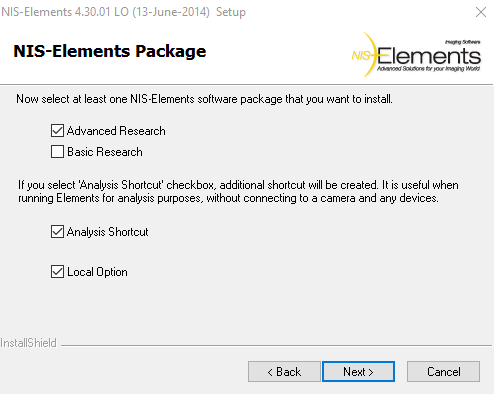
When setting up installation, click “Local Options.” This will install additional elements such as “Macro Panel” and “Export as TIFF.”
-
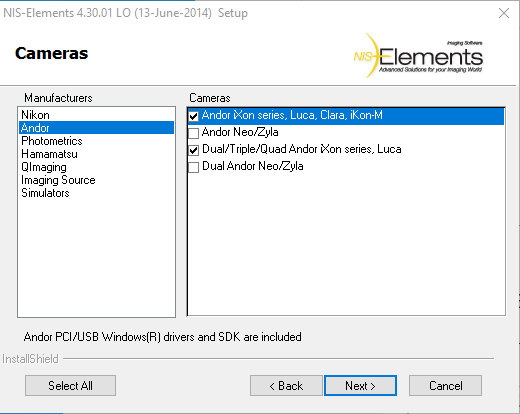
Select the proper cameras:
-
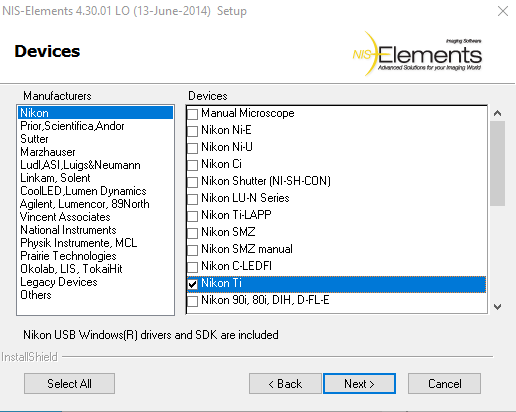
Select the Microscope:
2. Modifying an existing installation
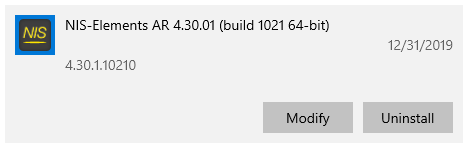
Section titled “2. Modifying an existing installation”If NIS Elements is already installed, it can be modified by going to “Start” bar –> “Add or Remove Programs” –> search “NIS” and select NIS Elements. Select to “Modify.”
3. Optical Configurations
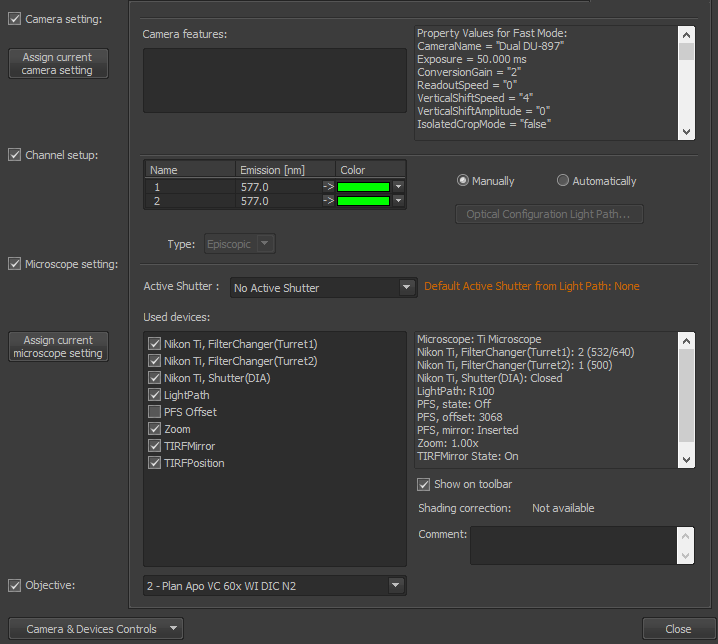
Section titled “3. Optical Configurations”When setting up Optical Configurations, set the active shutter to “DIA.”